Features designed to help your workforce thrive.
Training, onboarding, SOPs, work orders, dynamic forms, reporting and communication — with AI doing the busywork.
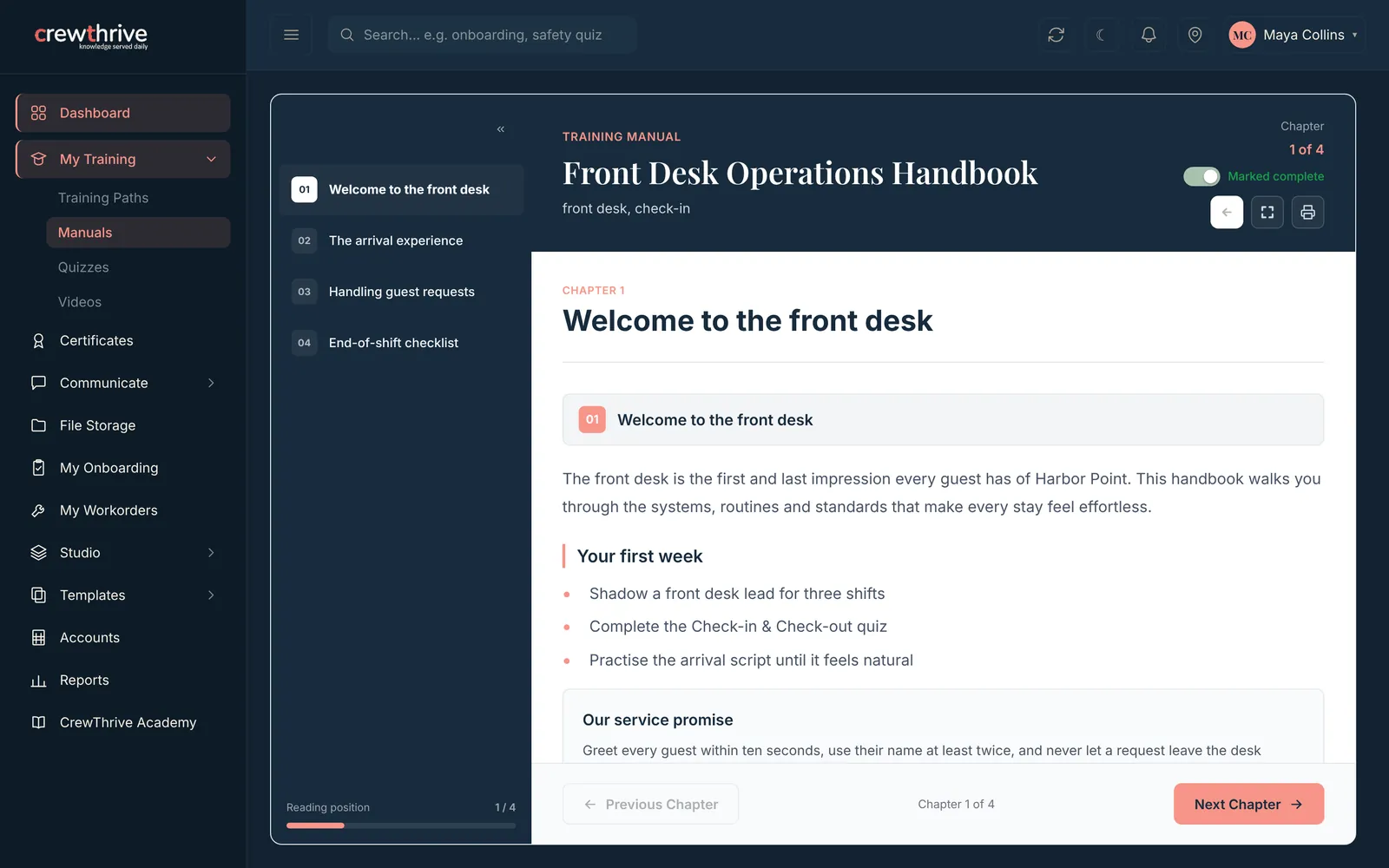
AI-powered training, made simple.
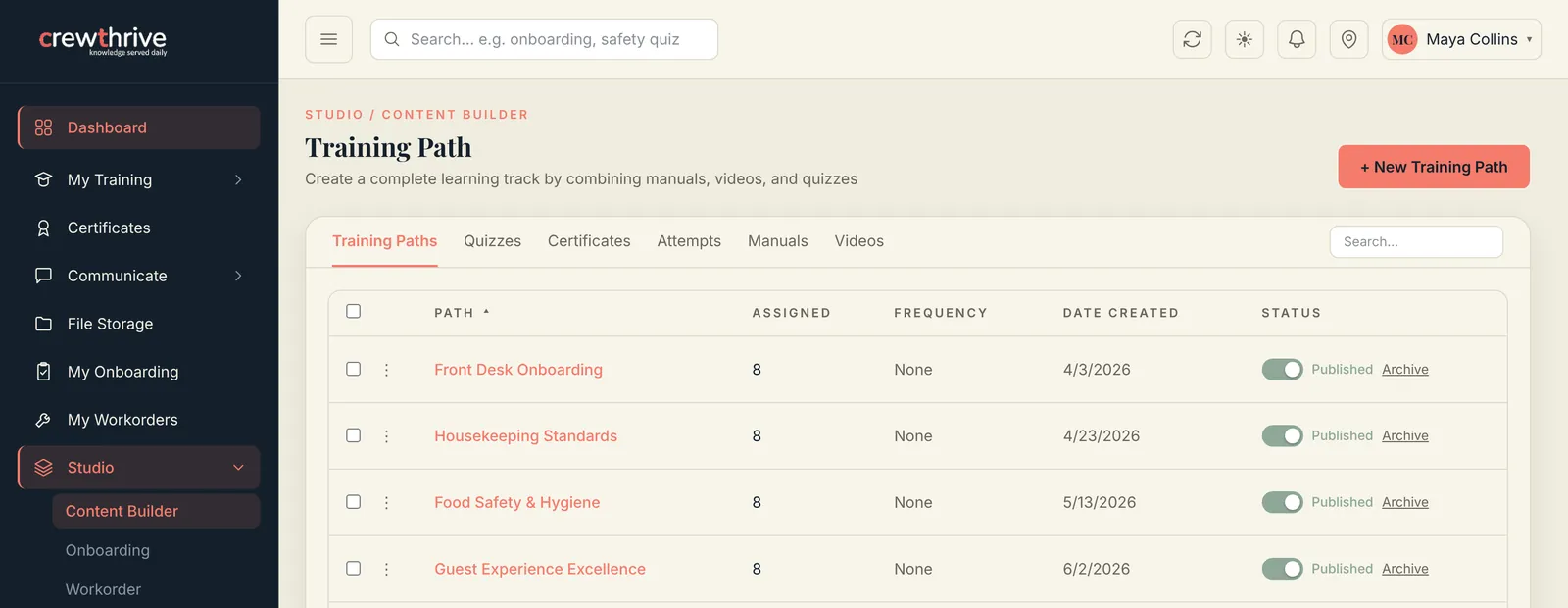
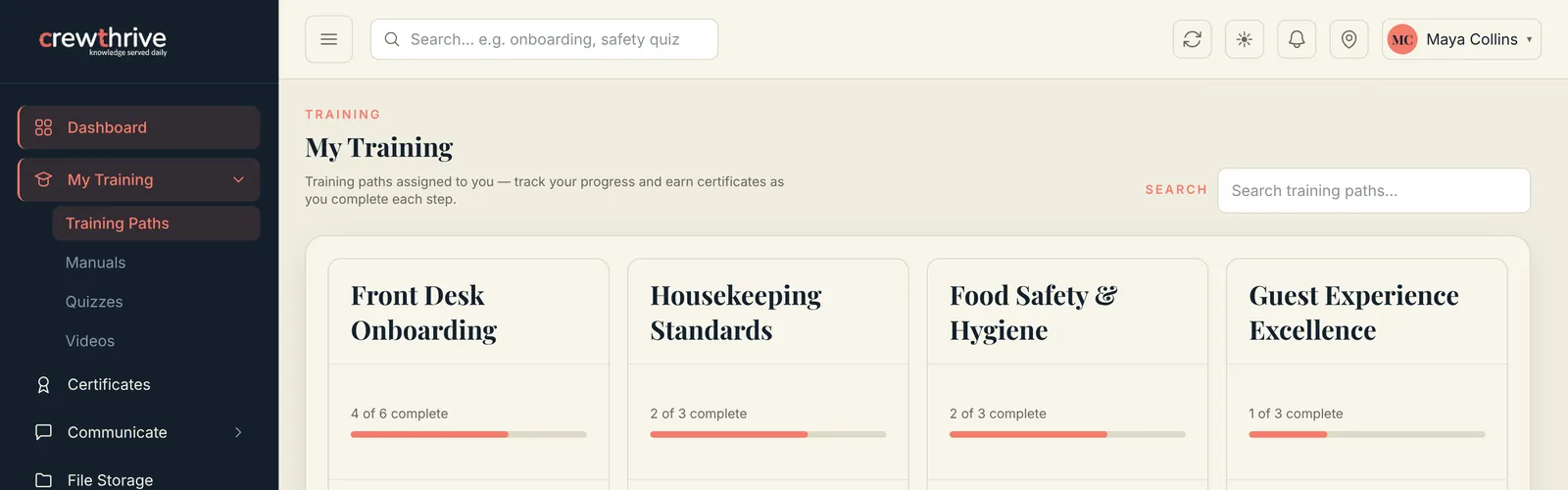
Create manuals, onboarding guides, SOPs and training videos with AI — or start from ready-made templates. Bundle them into role-based training paths with certificates at the end.
- AI outlines a chapter from just its heading
- Upload your own videos and SOP documents
- Training paths with progress and certificates
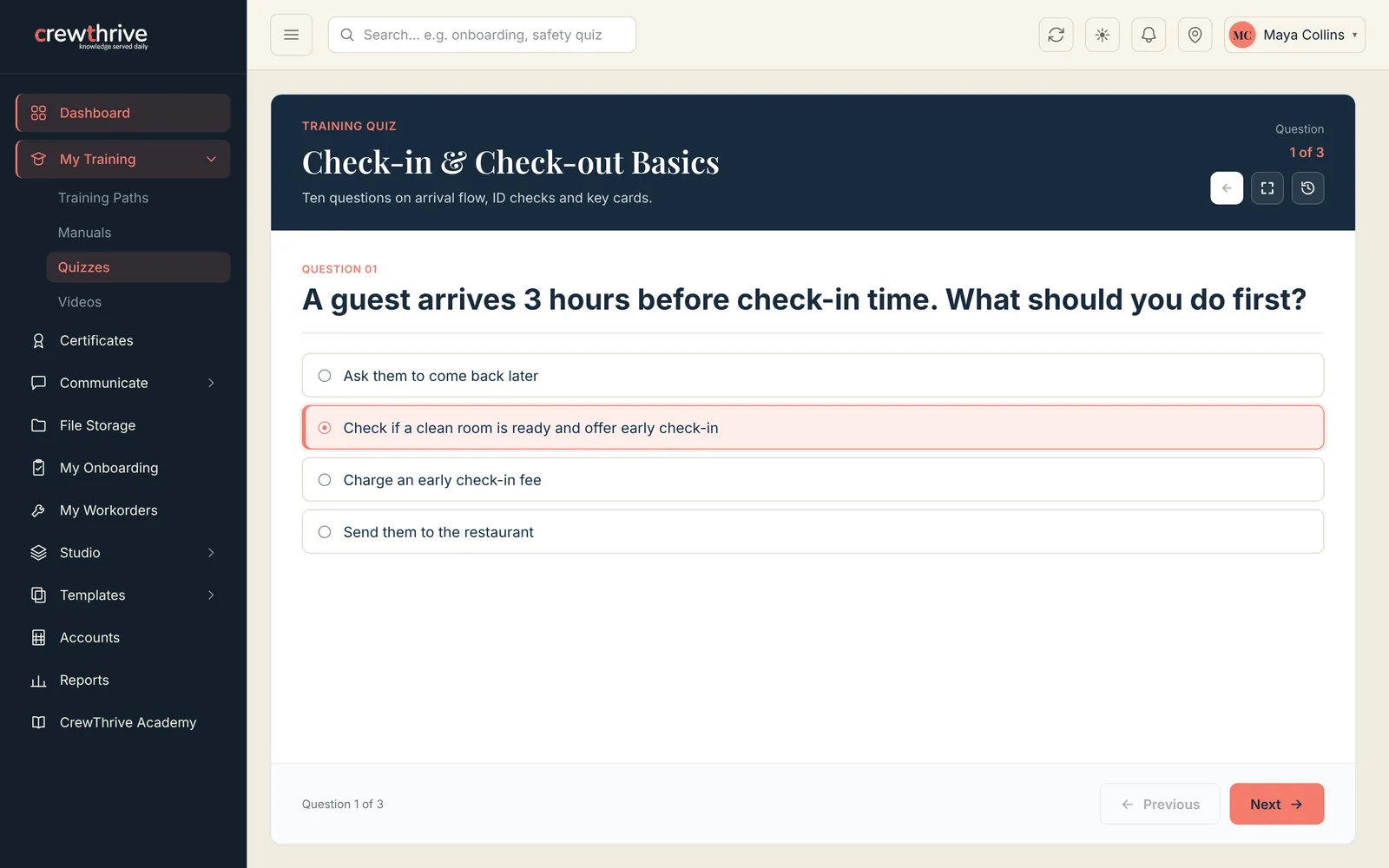
Know who learned it — not just who showed up.
Generate quizzes automatically from a manual or video, set a pass mark, and review every attempt. Renewal dates keep certifications current.
- Multiple choice, true/false and short answer
- Quiz from a manual in one click
- Attempt history and pass rates per employee
Make day one easier for everyone.
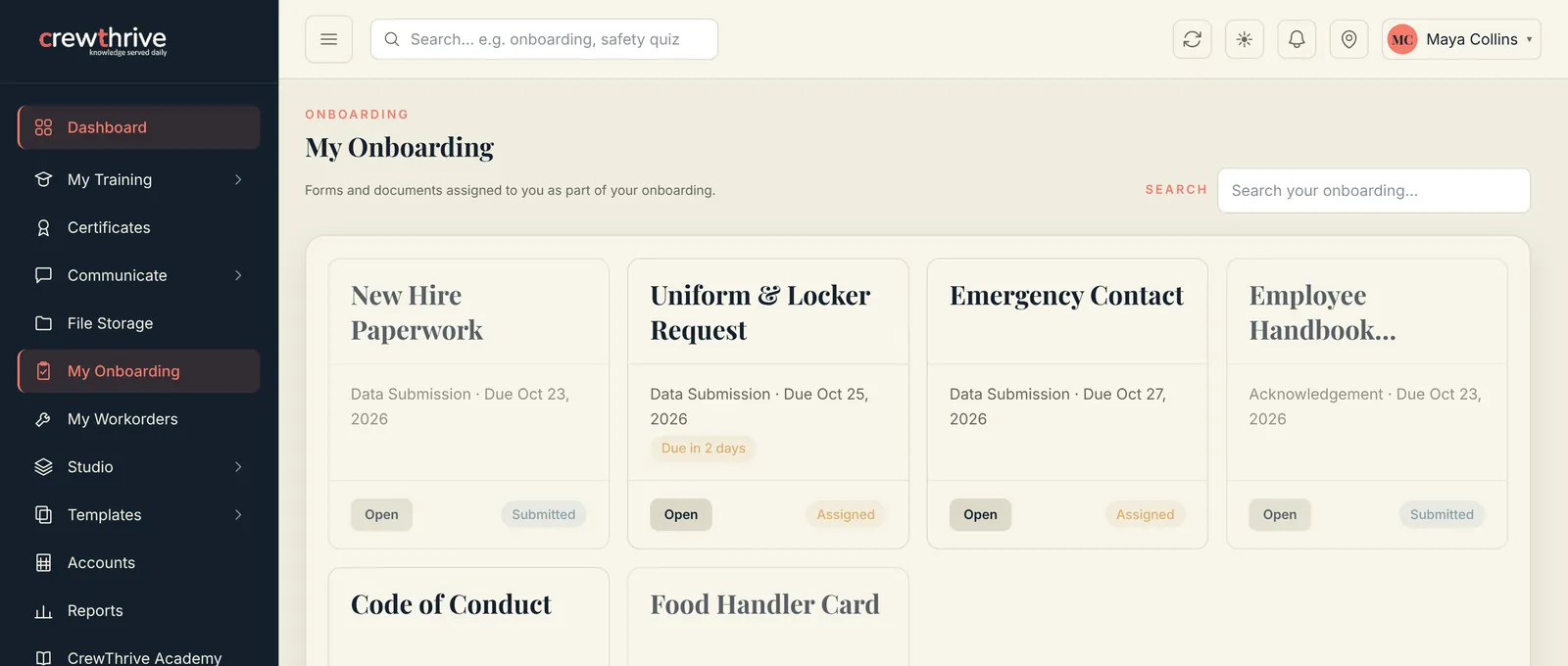
New hires get their paperwork, handbook sign-offs and document uploads in one list, with due dates. Managers see what’s submitted and what’s waiting.
Daily operations, without the clipboard.
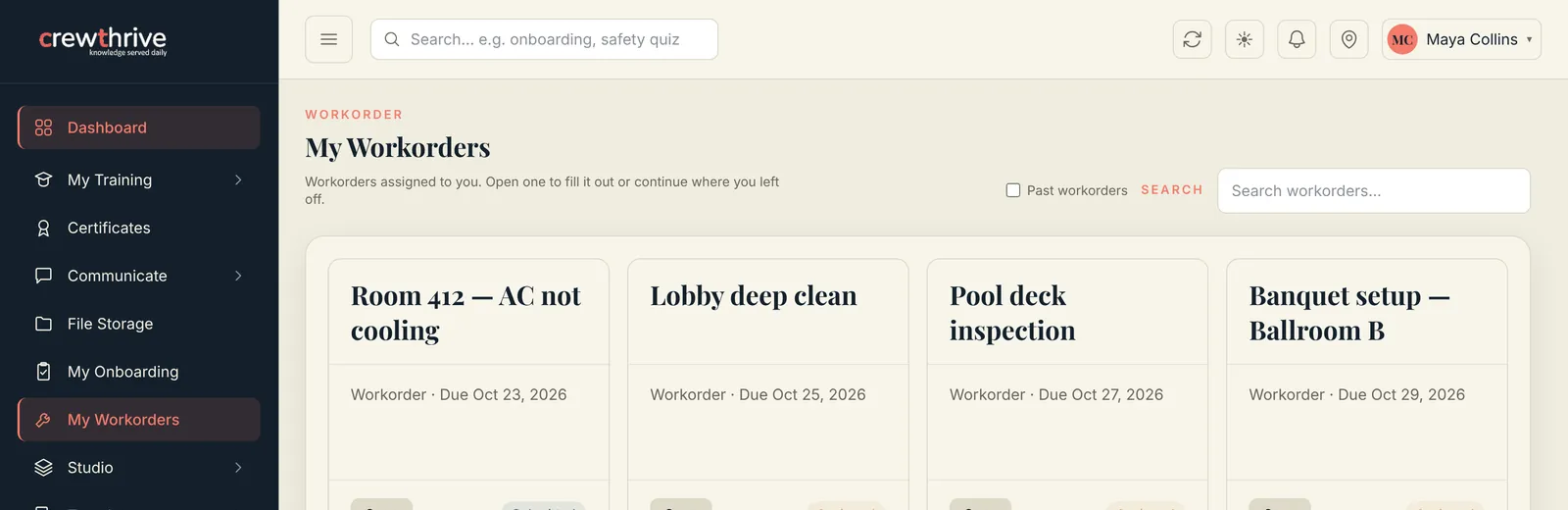
Digital checklists, inspections, occupancy reports and maintenance requests — shared across a shift so the next person picks up where the last one left off.
See readiness across every property.
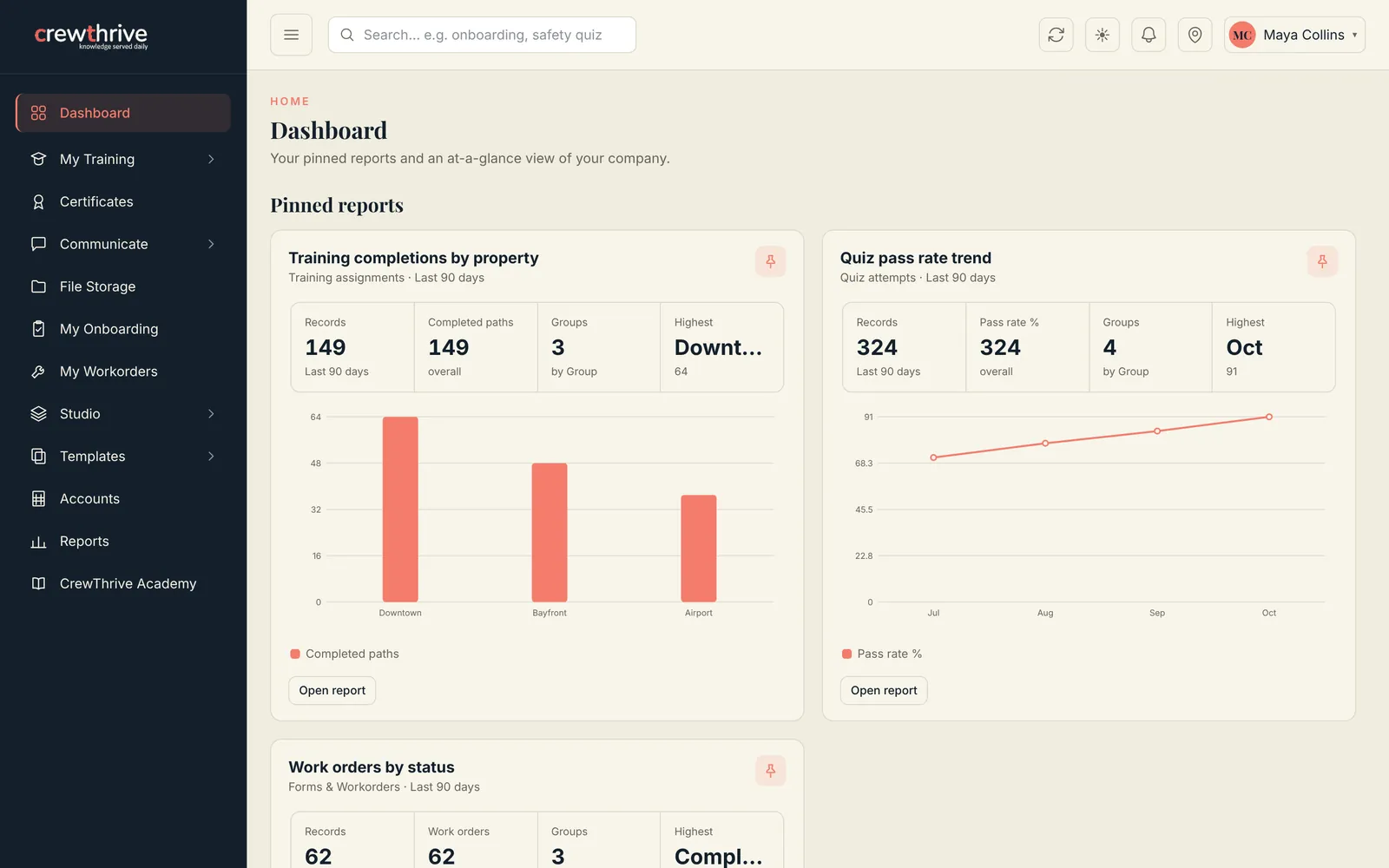
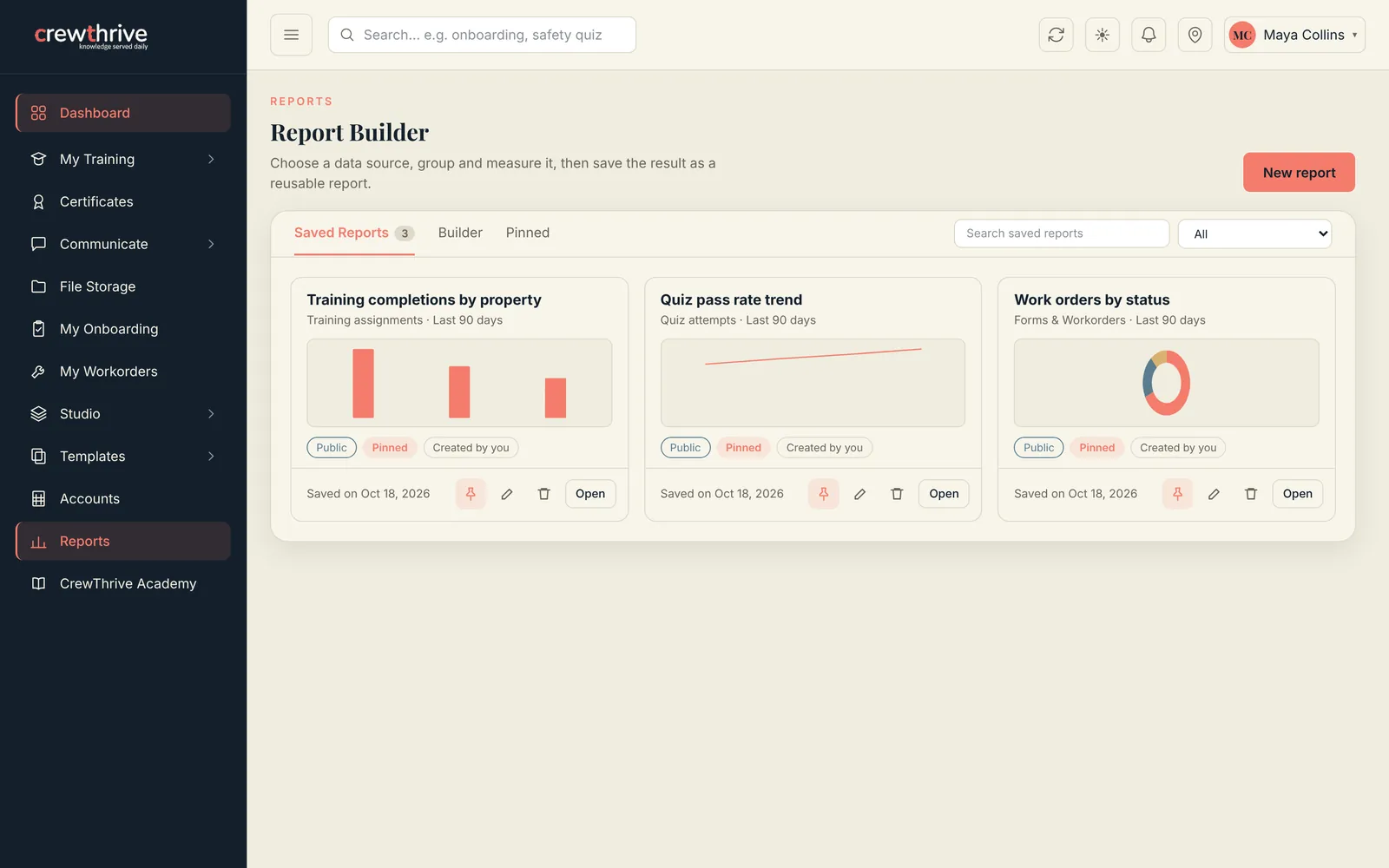
Build a report from training, quizzes, forms and work orders. Save it, share it, and pin it to the dashboard for your managers.
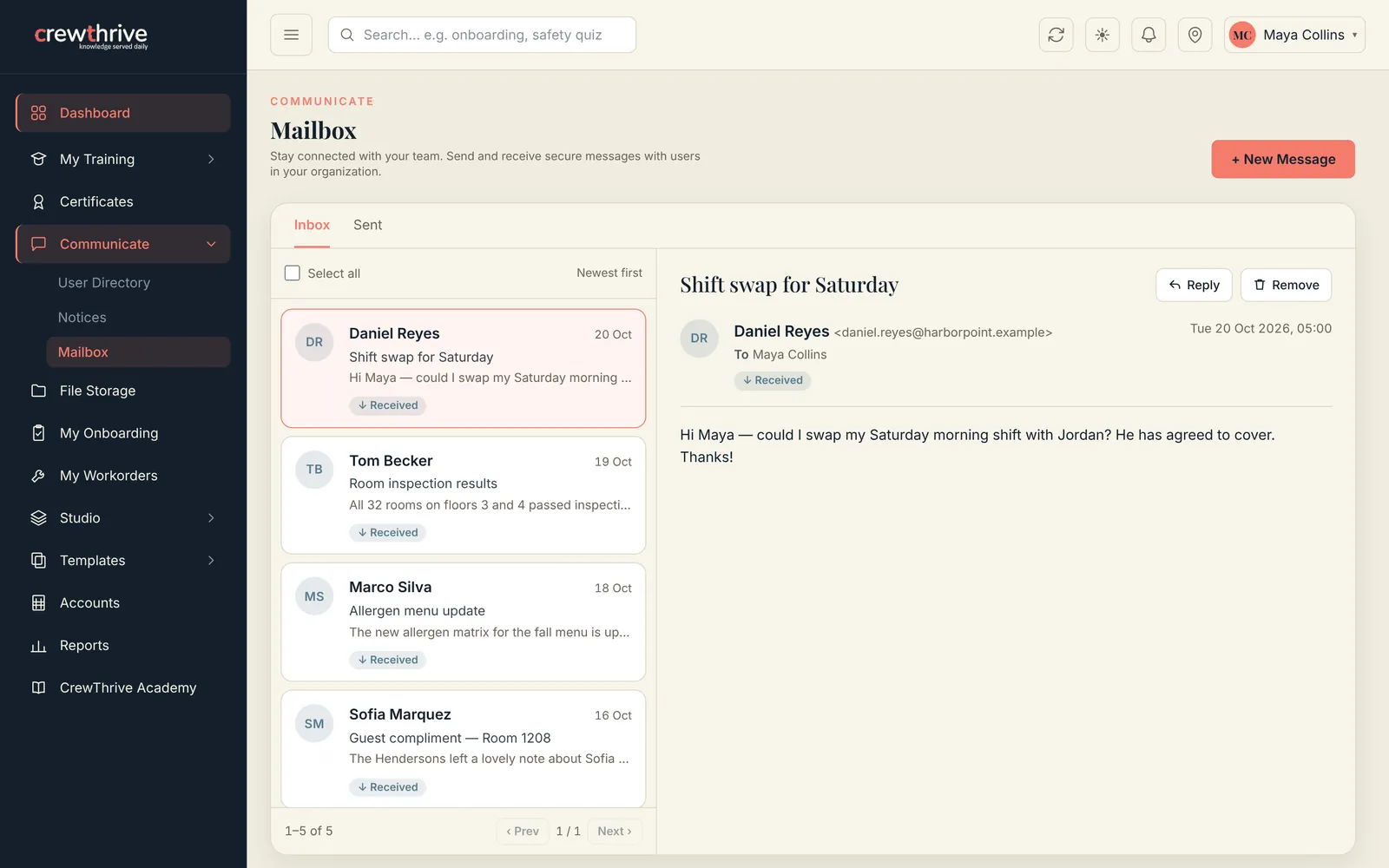
One inbox for the whole team.
Secure messages and company notices between managers and staff, with a user directory to find anyone fast.
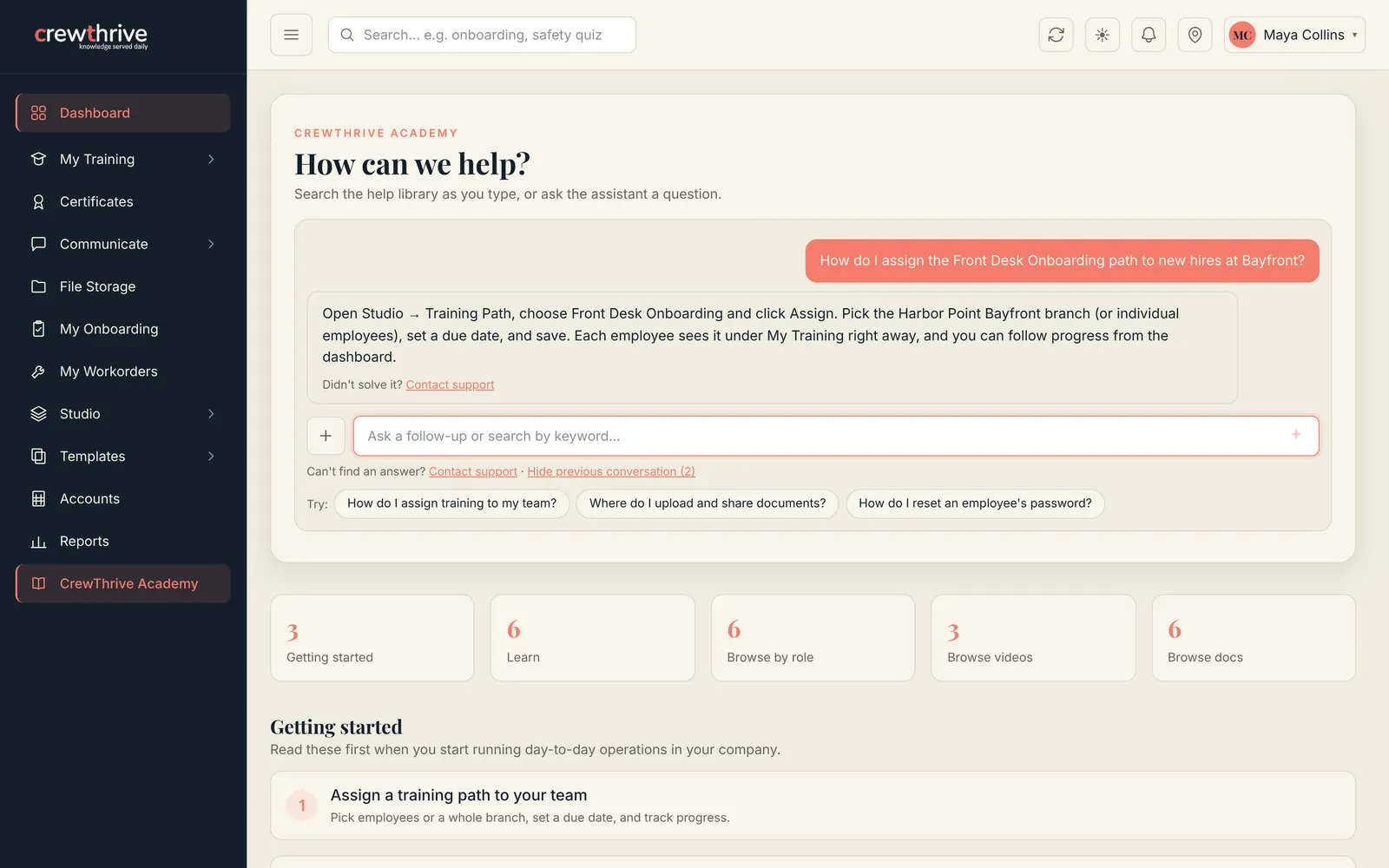
Ask, and get the answer.
CrewThrive Academy answers how-to questions in plain language and shows the help articles behind each answer.
Ready to simplify workforce training?
Six months free. No credit card.